No results found

Track loot. Share spares. Gear up together.
Your board password is your group's unique key.
Share it with your partners so they can join.
Your password cannot be recovered if lost, so please make note of it somewhere safe.
Your generated password:
Enter the password for the board you want to join.
Enter a guest password to view a board (read-only).
Who's tracking blueprints? Add at least one player.
Last updated: January 2026
Blueprint Tracker is a community tool for Arc Raiders players. We are committed to protecting your privacy and being transparent about the limited data we collect.
When you create or join a board, we store:
When you submit a blueprint location report, we collect:
Reports are aggregated anonymously to help the community find blueprints.
We use your browser's local storage to remember:
We use Cloudflare Web Analytics to collect anonymous, aggregate usage data such as page views and general traffic patterns. This data contains no personally identifiable information and cannot be used to track individual users.
We do not sell, trade, or share your personal data with third parties. Community reports are displayed anonymously (raider name only, no identifying information).
Board data is retained until you delete your board. You can delete your board at any time from the settings menu, which permanently removes all associated data.
Last updated: January 2026
Blueprint Tracker is a free, fan-made community tool created for Arc Raiders players. This tool is not affiliated with, endorsed by, or connected to Embark Studios or any of its subsidiaries.
By using Blueprint Tracker, you agree to:
Blueprint location data is crowdsourced from community reports. This information:
We make no warranties regarding the accuracy, completeness, or reliability of community-submitted data.
You are responsible for any content you submit, including board names, raider names, and location reports. Do not submit offensive, inappropriate, or misleading content.
Arc Raiders and all related game content, names, and imagery are trademarks of Embark Studios. This tool uses game-related terminology for reference purposes only.
Blueprint Tracker is provided "as is" without warranties of any kind. We are not liable for any damages arising from your use of this tool, including but not limited to data loss, service interruptions, or reliance on community data.
We may update these terms at any time. Continued use of the tool after changes constitutes acceptance of the new terms.
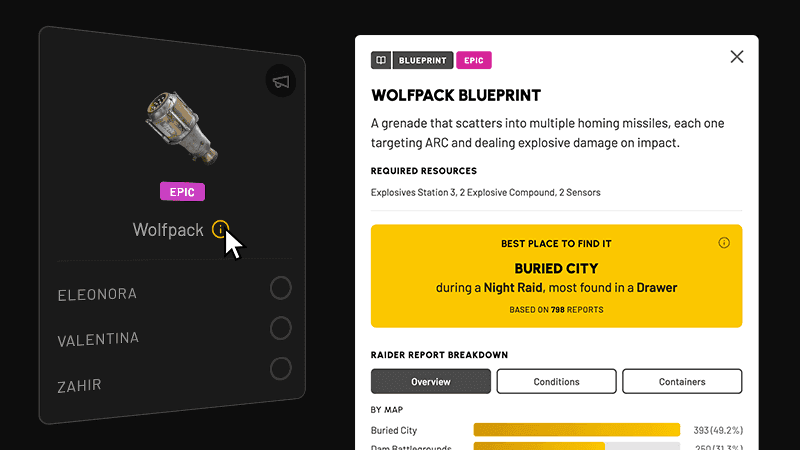
Track your squad's blueprint collection in real-time. Report new finds, help fellow raiders. Know what to keep, discard, and share.
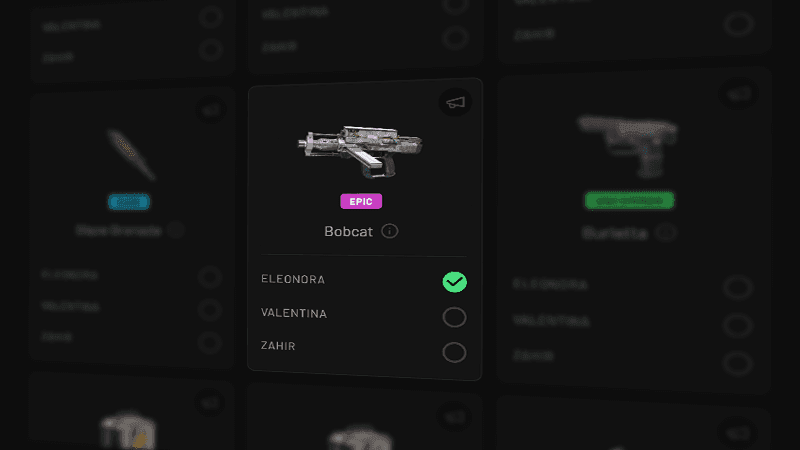
Check the box next to your name when you collect a blueprint. Cards turn green when everyone in your group has it.
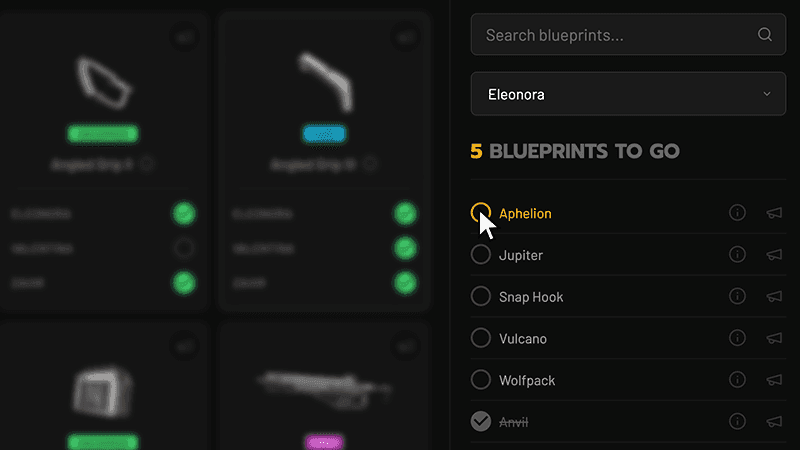
Search blueprints by name, or use the side panel to see what each raider still needs. Click any item to mark it collected.
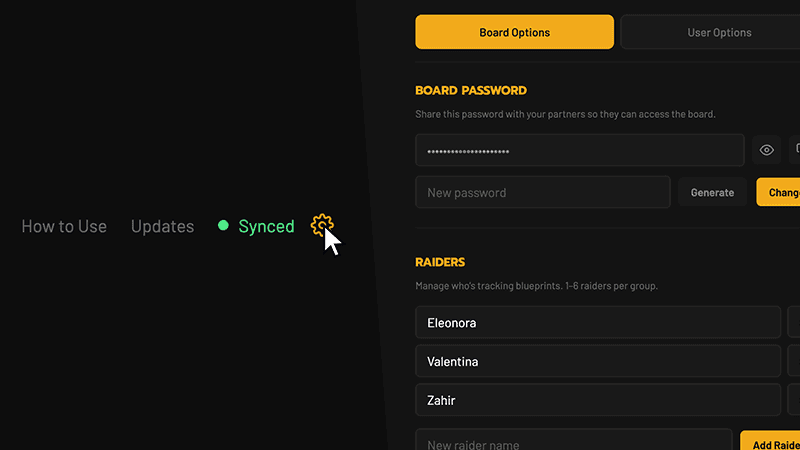
Click the gear icon to access settings: add/remove raiders, change passwords, enable guest access, or reset your board.
Tap the (i) icon to see crafting materials, rarity, and crowdsourced location data from other raiders.
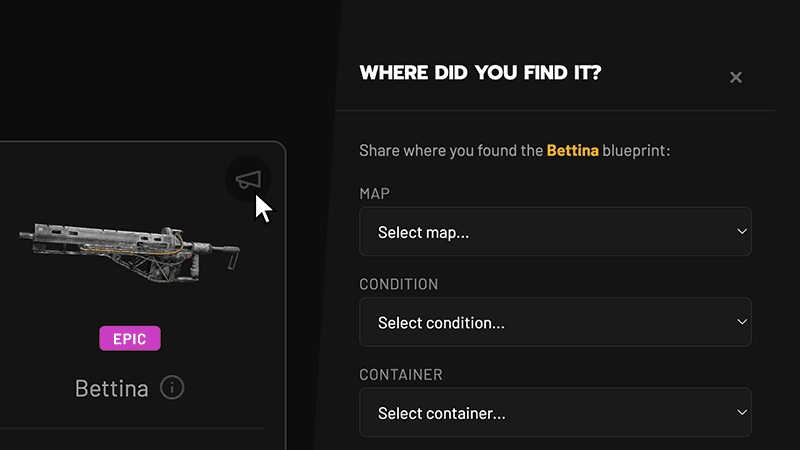
Found a blueprint? Tap the megaphone icon to report the map, condition, and container. Help your squad hunt smarter.
February 3, 2026
January 27, 2026
January 20, 2026
We've hit 100 users, and we couldn't be more grateful. To every raider who's given this tool a try: thank you. Building Blueprint Tracker has been a labor of love, and knowing it's helping fellow raiders track their collection makes all the late nights worth it. This community deserves tools that respect your time and make the grind a little easier. Here's to the next 100.
January 8, 2026
January 7, 2026
January 4, 2026
January 2, 2026
December 29, 2025
December 29, 2025
December 28, 2025
Have a suggestion, bug report, or just want to say hi? Send us a message and we'll get back to you.
Share this password with your partners so they can access the board.
Manage who's tracking blueprints. 1–6 raiders per group.
Allow others to view your board without edit permissions.
Clear all blueprint collection data. Raiders and settings will be kept.
Permanently delete this board and all data. This cannot be undone.
Choose which side of the screen shows the blueprint grid.
Choose the overall appearance of the app.
Choose the appearance of the blueprint info modal.
Show rarity labels on blueprint cards.
Show fireworks when a raider completes their collection.
You, you've collected every blueprint in ARC Raiders! That's no small feat, Raider. You've scavenged, looted, and conquered your way to completion.
Now it's time to help your squad finish the fight. Share your spares, call out locations, and get everyone across the finish line together!
Share where you found the blueprint:
Thanks for helping your squad.
Your intel has been logged.
Loading description...
No location data yet. Be the first to report!
No condition data yet.
No container data yet.
The data shown above is based on community-submitted reports and may not accurately reflect actual in-game drop rates. Blueprint spawns in Arc Raiders involve a degree of randomness, and reported findings represent player experiences rather than confirmed drop tables. Use this information as a general guide, not a guarantee.